
toastwall

Guests capture. The room looks up.

Scan a QR. Photos hit a screen while everyone is still there. When the event is over, you keep the album.

Spin one up for a celebration, a corporate event, or a bar.

Have an Event Code?

Type the code from the screen or your host.

Same screen. Three kinds of event.

Party and Networking ship with short prompts on the phone. Bars use the same screen for trivia, game day, and pool.

  • Party

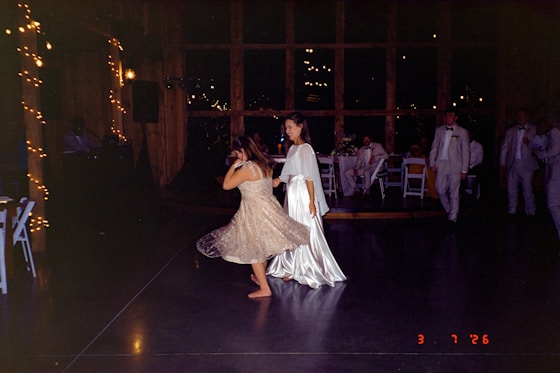
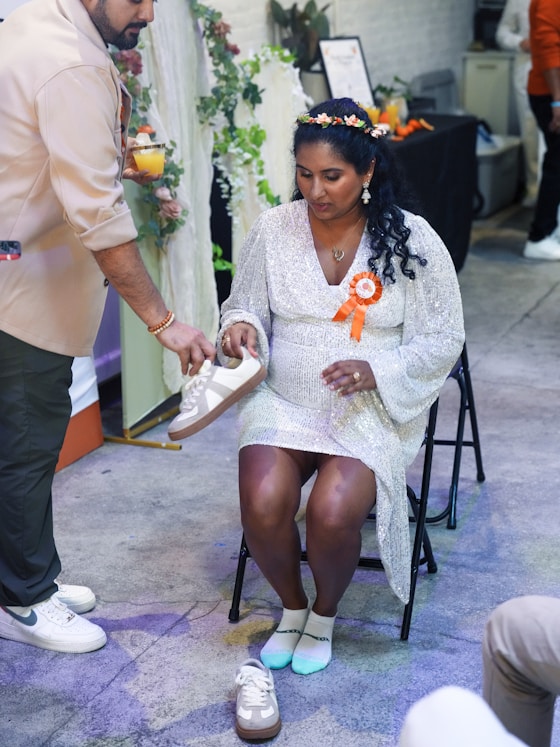
    Weddings, showers, first birthdays, anniversaries. Guests already have the pictures.

    For celebrations

  • Networking

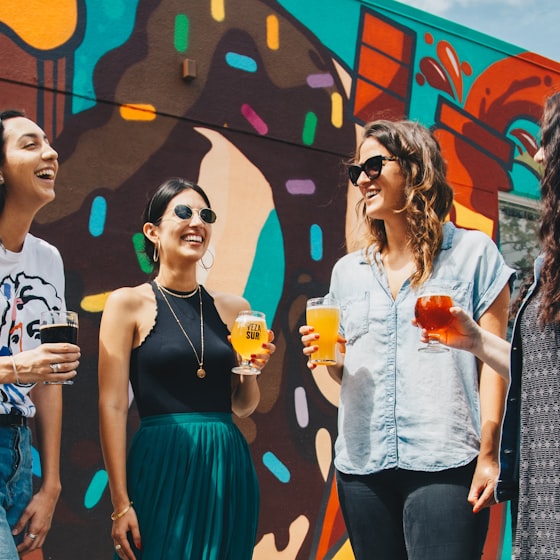
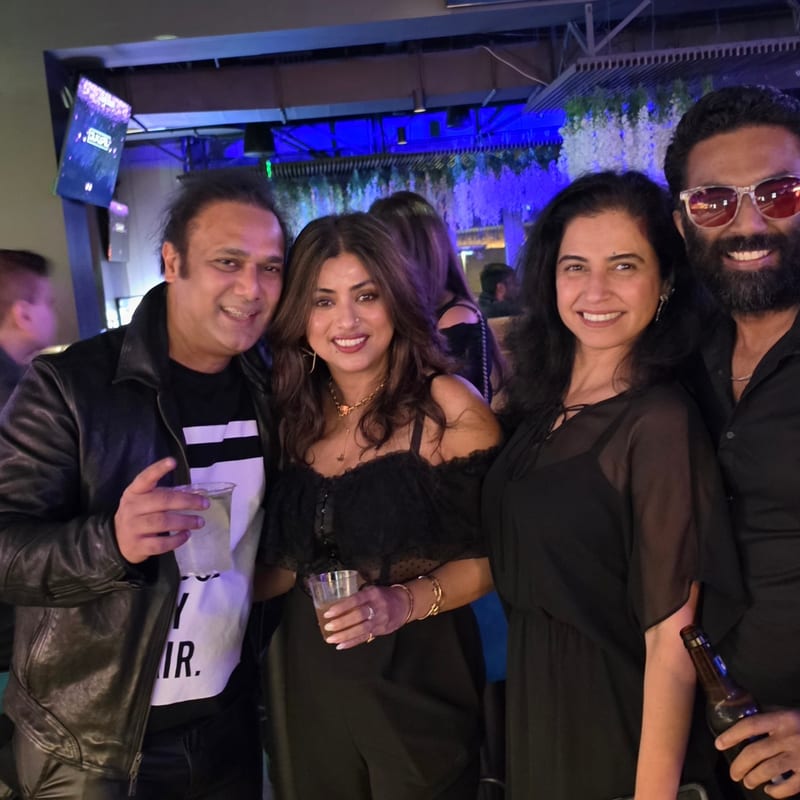
    Corporate offsites and team events. Toasts as ice-breakers. The team looks up together.

    For corporate events

  • Game night

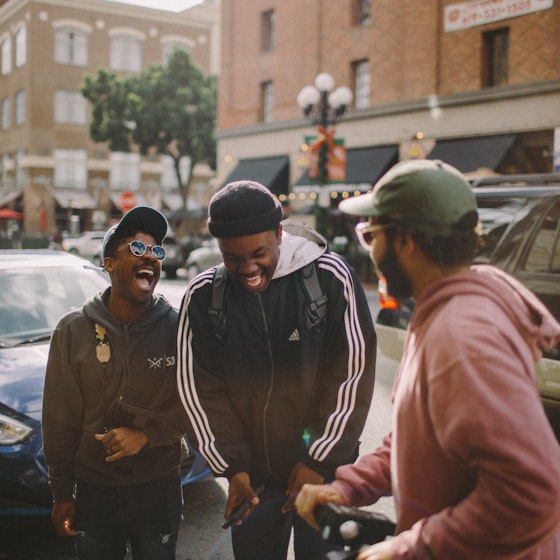
    Bars and watch parties: put ToastWall on one screen while the game stays on the others. Crowd energy without fighting the broadcast.

    For bars

Three steps.

Guests spend seconds on their phone, then look back at the room.

  1. 01

    Scan

    Guests open a QR and drop straight into the event. No app. No signup.

  2. 02

    Capture

    A short prompt appears on their phone. They snap a photo or short clip and send it to the screen.

  3. 03

    Screen

    Their photo hits the venue screen while the room is still buzzing.

The whole room looks up

Open ToastWall on any screen that opens a website. New photos light up that screen in real time. The event writes itself where everyone can see.

Phone. Screen. Album.

Phone. Guests scan a QR. No app. Screen. The TV or projector in the room. New photos appear while people are still there. Album. When you mark Event over, those photos become the album. You can hide or restore anything. Then you download what you keep. $60 per event before you create the next one.

Questions? Help · FAQ