For bars

The game is on three screens. Put the room on the fourth.
Trivia night, game day, pool league. You already bought the TVs. Guests already have phones. One QR puts this room on a spare screen.

Live

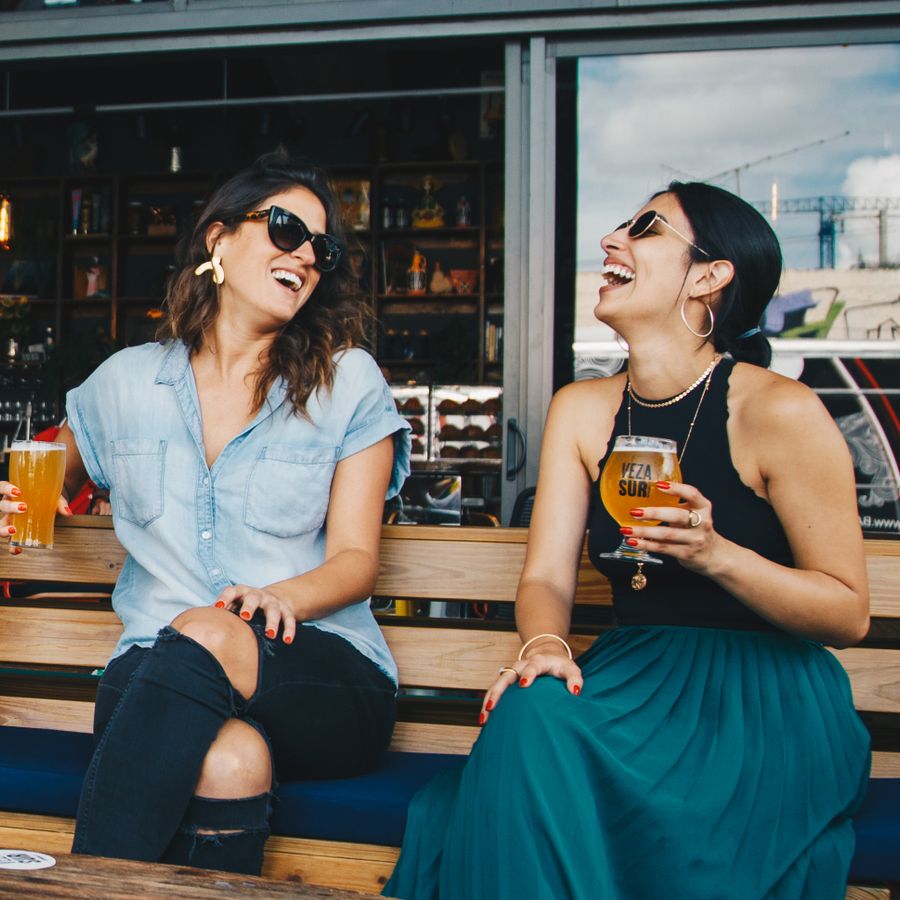
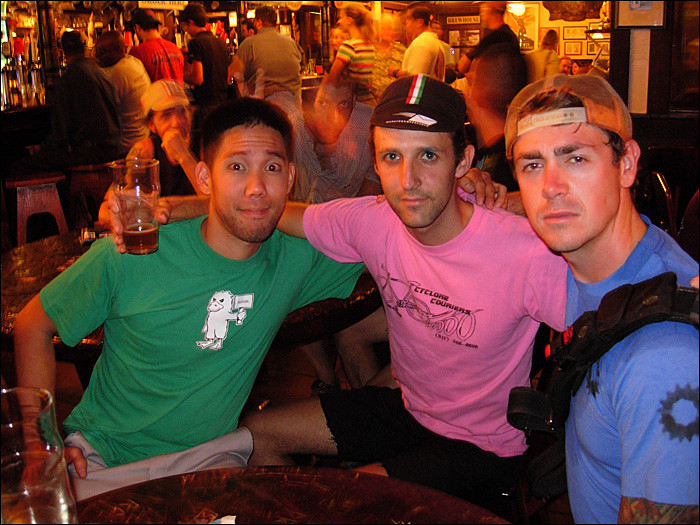
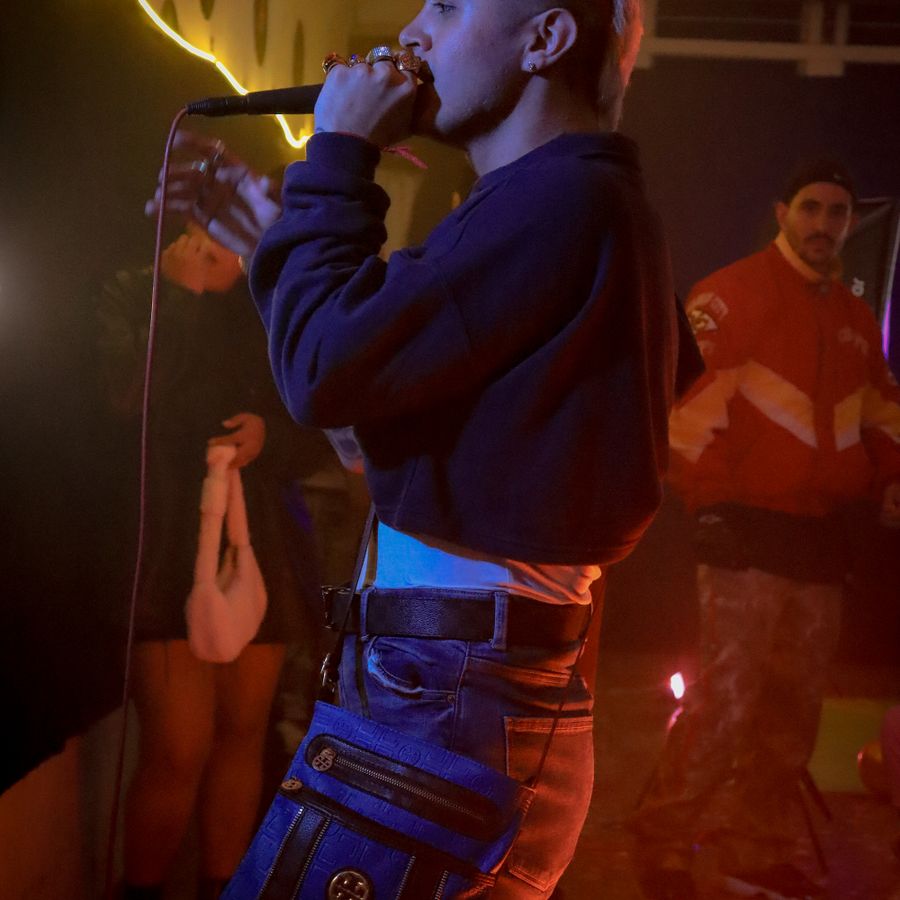
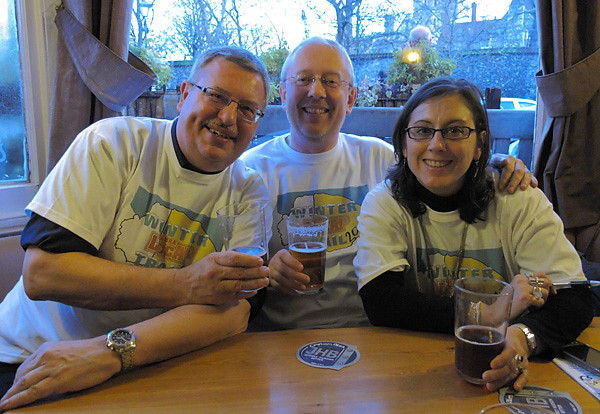
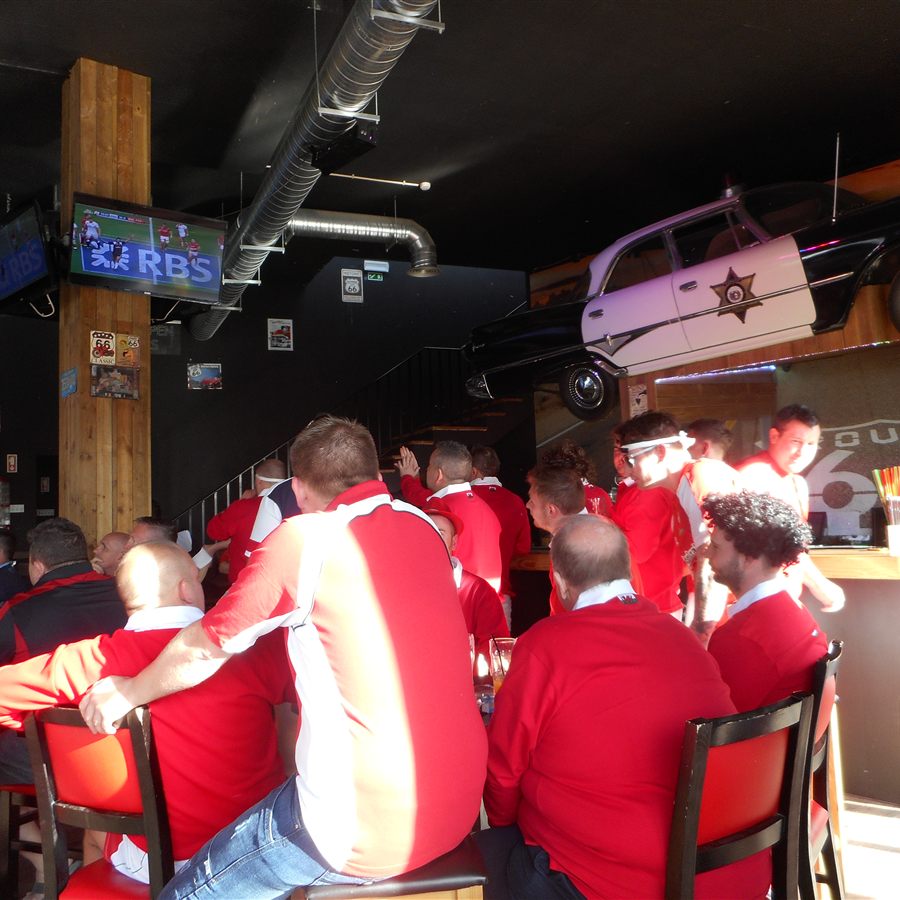
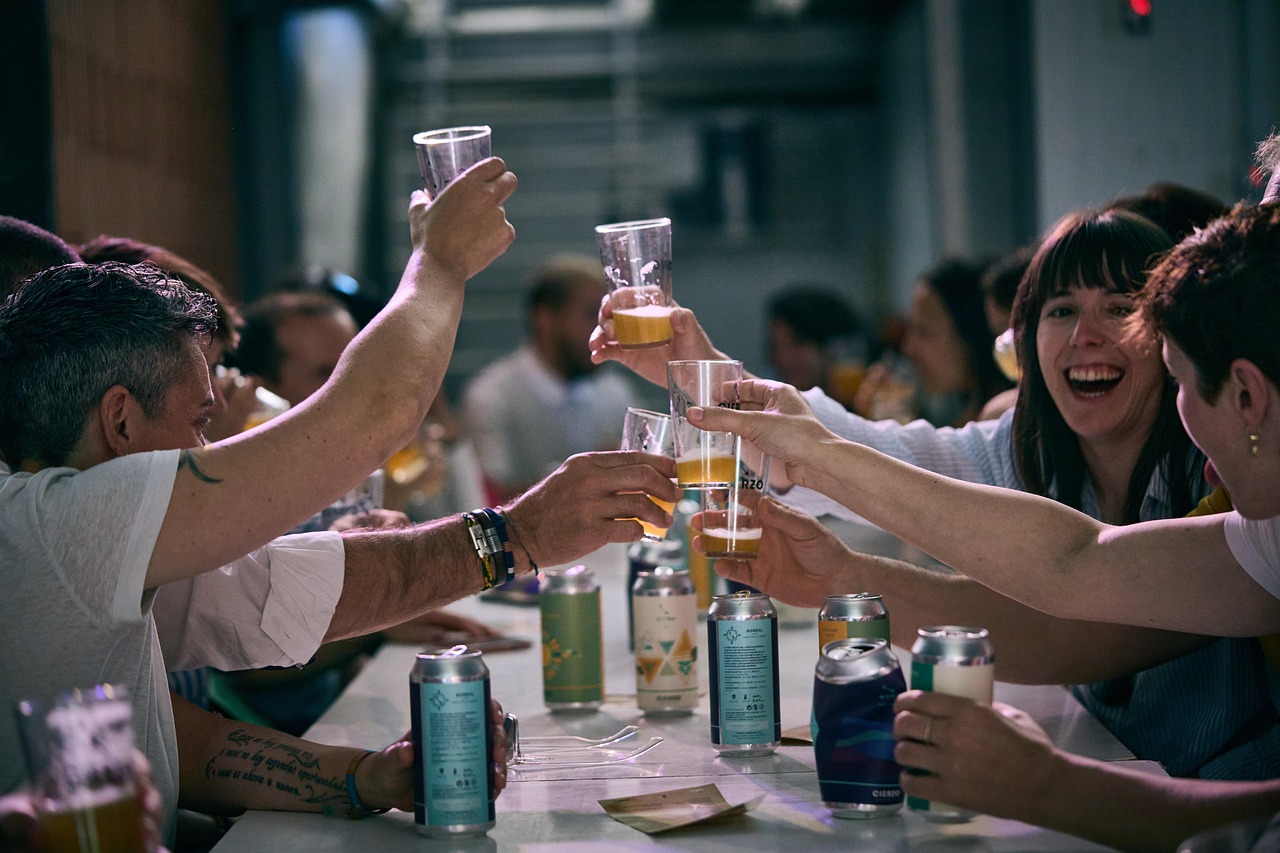
A spare bar TV showing guest photos: friends watching a game, a beer cheers, a packed room, and a trivia table.

Photos: Pexels, Pixabay, Wikimedia, Unsplash, and Flickr.

What most bars do instead

A bartender with a phone. Hope they tag you. You get scraps. The event still leaves with the crowd.

ToastWall is not another gadget. It is the unused TV, finally doing a job.

What you walk out with

  • The pictures

    Guests scan a QR. No app. Their shots hit the wall, then land in an album you download after last call. You keep the event. You are not hunting a hashtag.

  • A room that looks up

    A new face on the spare TV is a reason to cheer, roast, and stay for another round. The energy stays in the bar, not in a feed they scroll on the way home.

  • Next Tuesday, already sold

    Put next week's trivia on the wall while this one is still going. Then post the album: that's us, see you Tuesday. The event advertises the next one.

You stay in control

A bar TV is a public screen. You decide what lands on it, what stays in the album, and who sees it later.

  • Approve first, or let it through

    Optional. New photos wait until you approve them, or they hit the wall as they come. Change it anytime in Settings.

  • Hide anything

    Pull a shot off the wall and out of the album. Restore it if you change your mind. You can hide everything from one guest.

  • Download when you are ready

    After you mark Event over, save the album ZIP. Keep it. Post what you want.

  • Share the album only if you want

    The guest QR is for the live event. The album has its own link. Send that when you want people to revisit. Don't send it, and the album stays with you.

What you need

Any screen that opens a website.

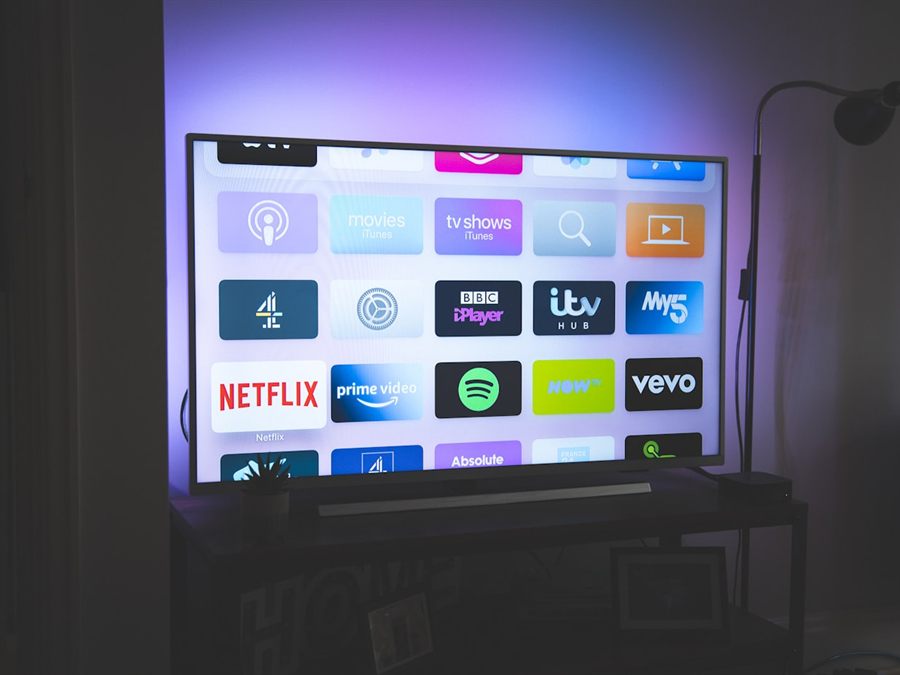
  • Smart TV
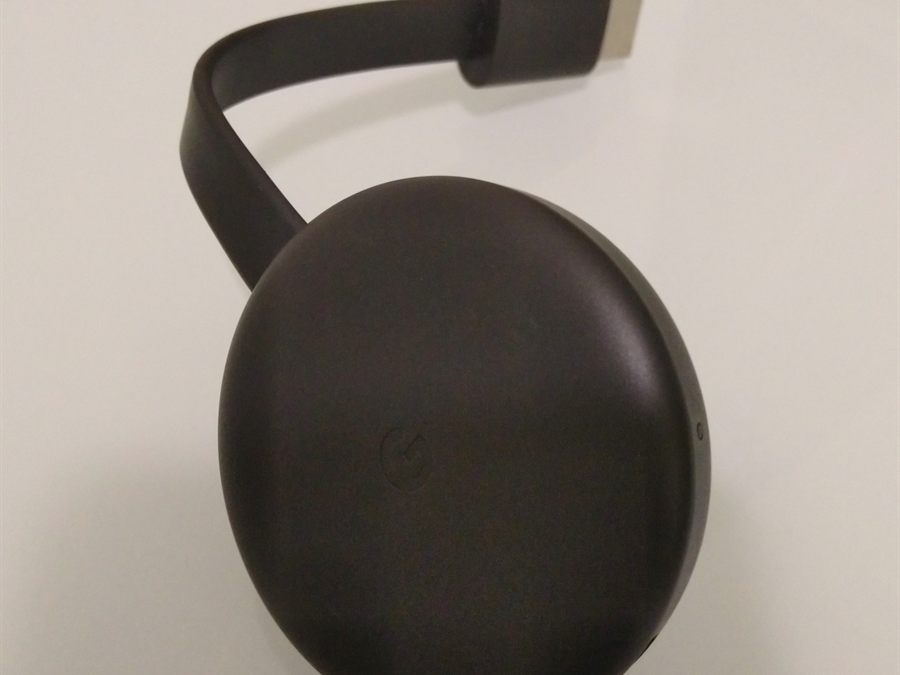
  • Chromecast
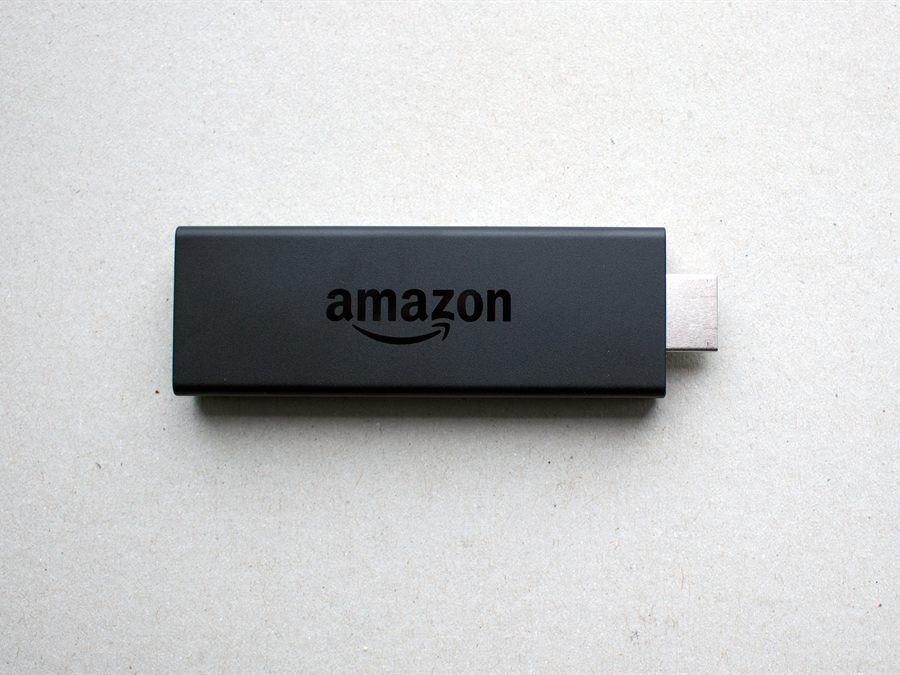
  • Fire Stick
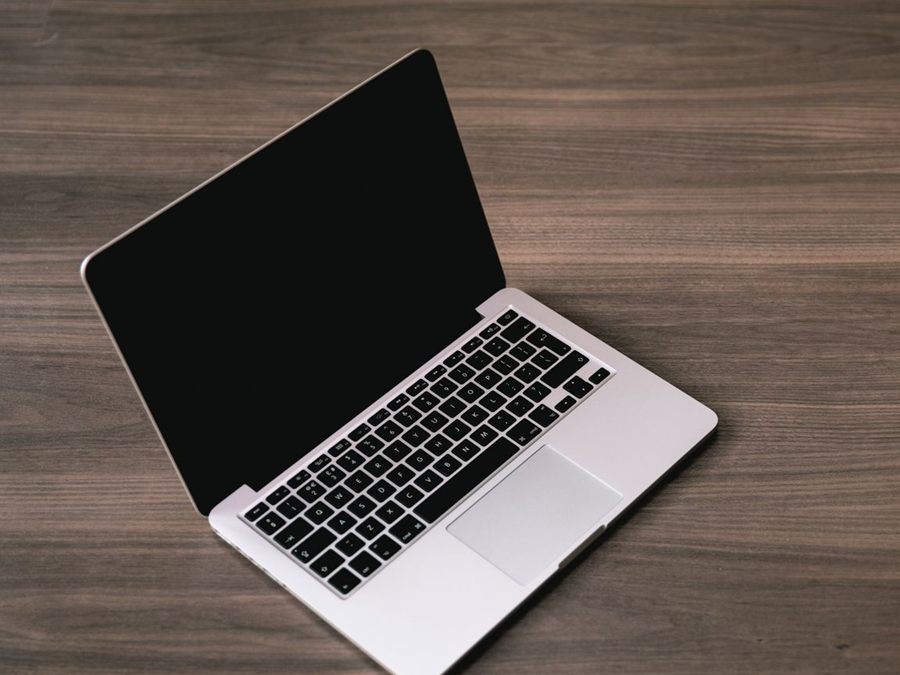
  • Laptop

Start an event

Trivia Tuesday, start to last call

  1. 01

    Create the event

    Sign in with Google. Name it Trivia Tuesday. About a minute.

  2. 02

    Open it on a TV

    Open the live wall on a spare screen. Put the QR on the tables. Trivia stays in the room. The unused TV shows the people.

  3. 03

    Close and keep

    Guests scan, snap, and it shows. Mark Event over. Download the album.

One unused TV. One QR. One album.

Built for trivia, game day, pool, karaoke, and watch parties. Same wall. You name the event.