For corporate events
The icebreaker belongs on a screen.
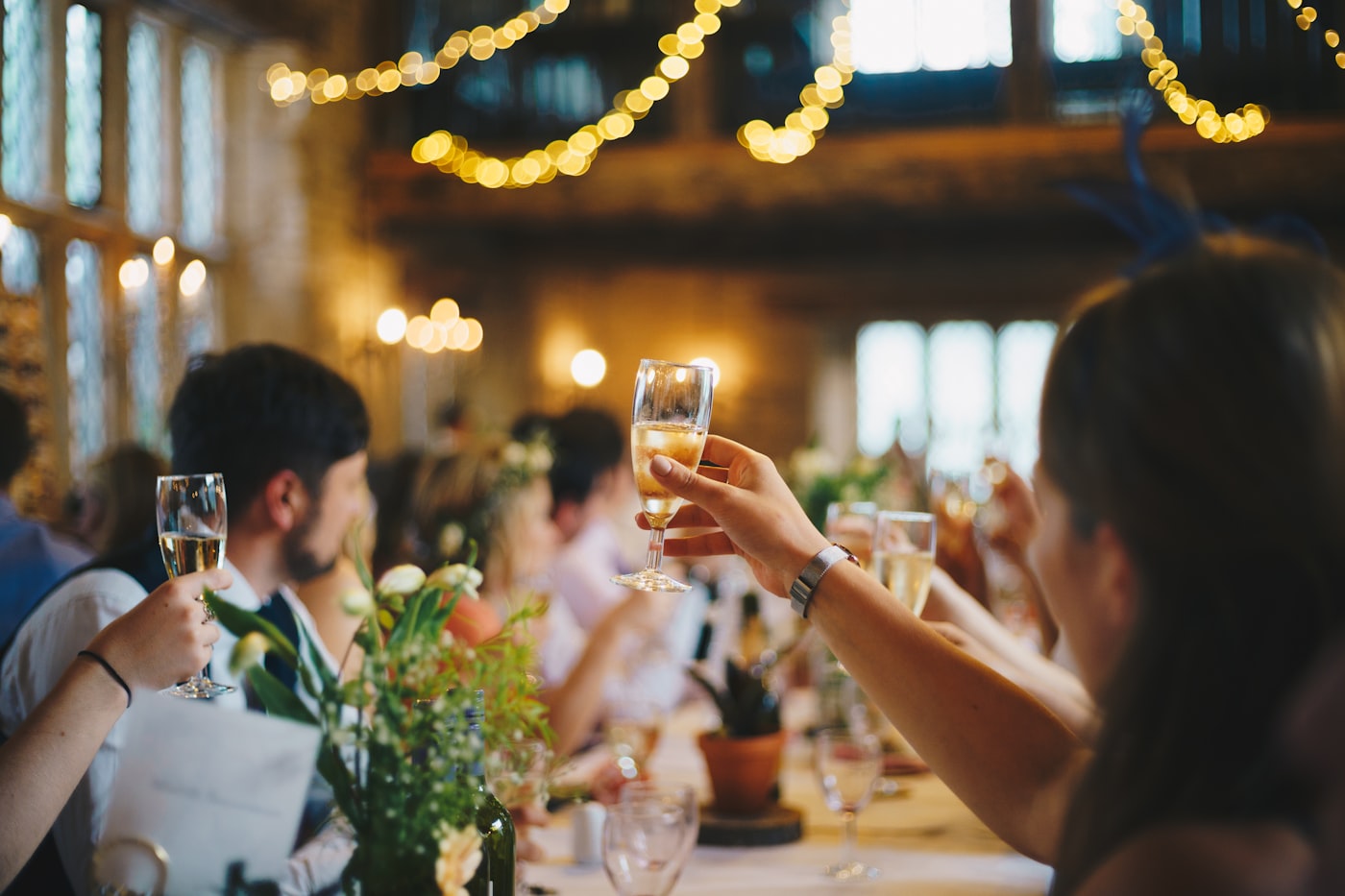
A toast is a short icebreaker on the wall. They scan a QR, send a photo or a line, and the whole team sees it together.




Live
Photos: Pexels and Unsplash.
For the event you are already running
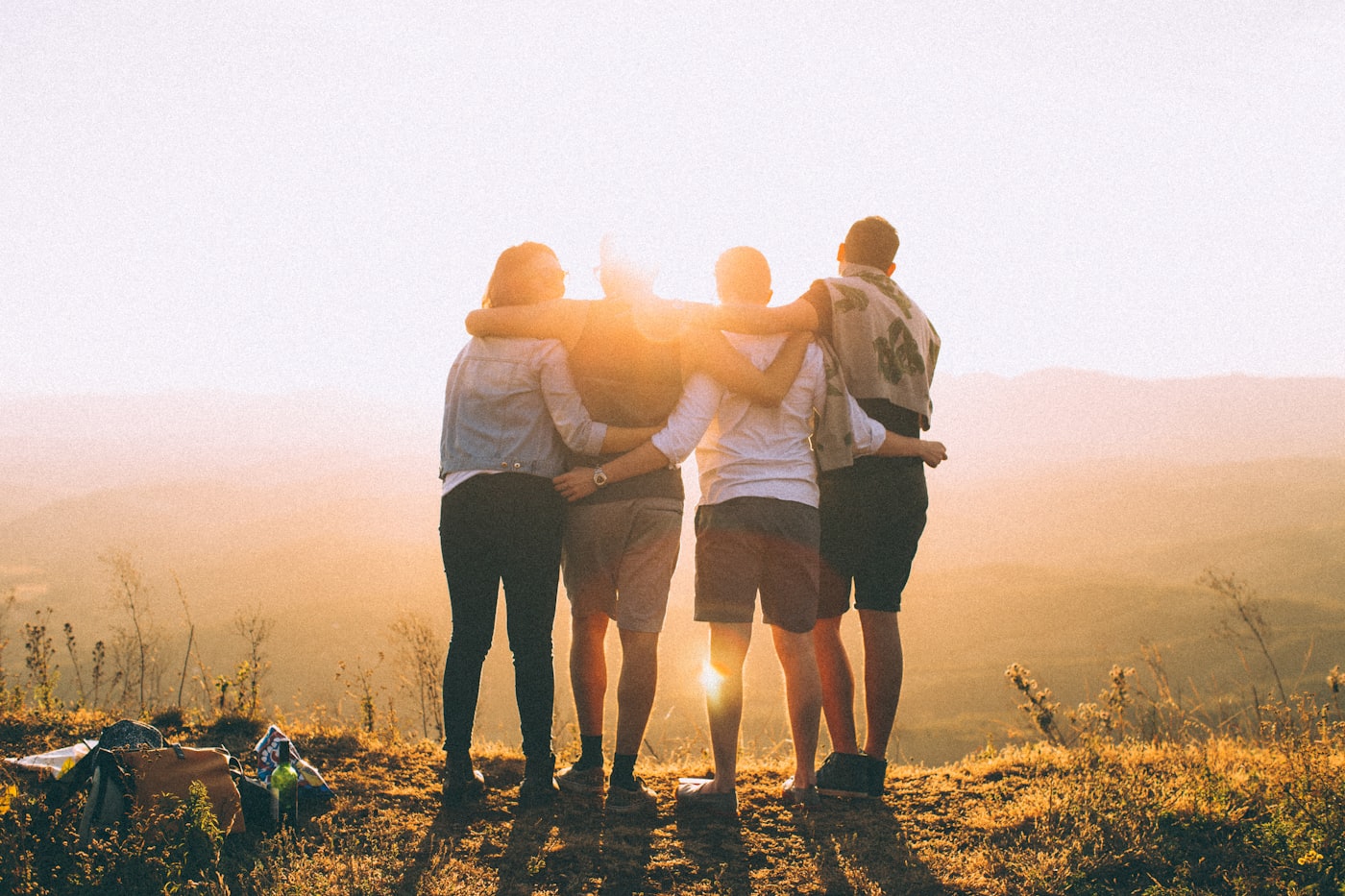
An offsite, a happy hour, an afterparty, a welcome. This is for the one on your calendar.
Offsite 
Team happy hour 
All-hands afterparty 
New-hire welcome
The icebreaker can do more
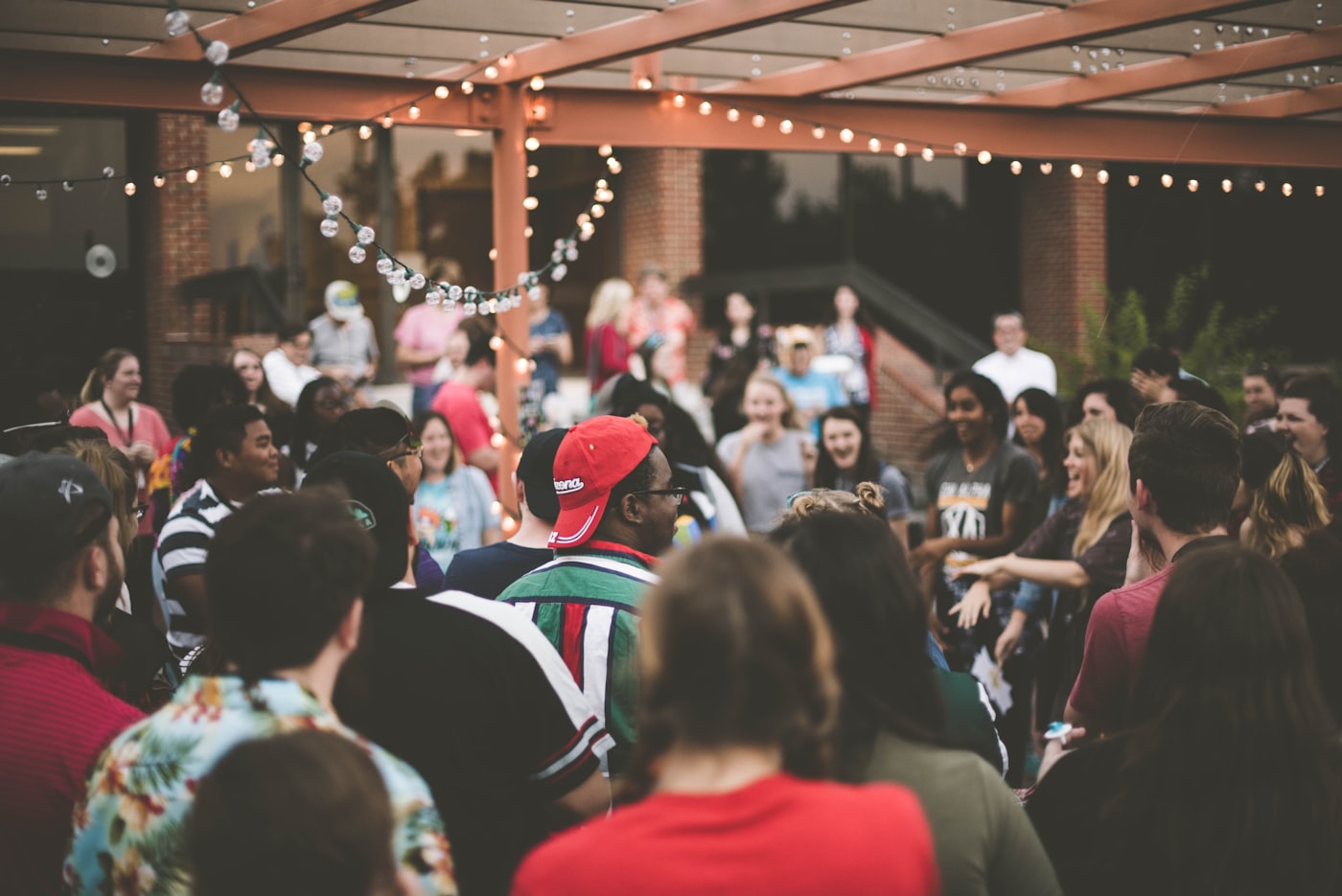
You already gathered them. A toast puts a hello on the screen. The whole team can see it, laugh, and keep it.
One Fun Fact
Share one fun fact about yourself in a sentence.
Ask Me About…
What is one topic you would love someone to ask you about?
What you walk out with
A reason to walk up to a stranger
New Connection and Table Crew give them a job. Find someone, snap a photo, send it. No app. It hits the wall. The icebreaker is the pairing, not a speech.
A laugh the whole room shares
A fun fact goes up. A name-tag selfie lands. People look up together. Morale is a shared second on the wall.
Something you can send Monday
Mark Event over. Download the album. Send it to the people who run comms, or to the ones who could not make it.
You stay in control
This is a company event. You decide what goes up, what stays in the album, and who sees it later.
Approve first, or let it through
Optional. New photos and videos wait until you approve them, or they hit the wall as they come. Change it anytime in Settings.
Hide anything
Pull a shot off the wall and out of the album. Restore it if you change your mind. You can hide everything from one guest.
Download when you are ready
After you mark Event over, save the album ZIP. Keep it. Post what you want.
Share the album only if you want
The guest QR is for the live event. The album has its own link. Send that when you want people to revisit. Don't send it, and the album stays with you.
What you need
If it opens a website, it can hold the event.
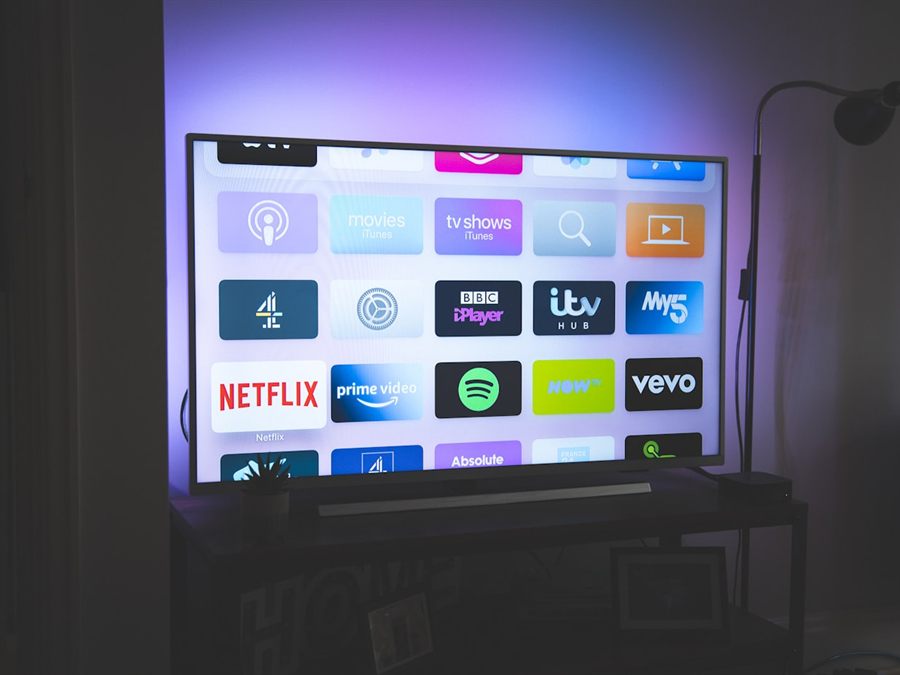
Smart TV 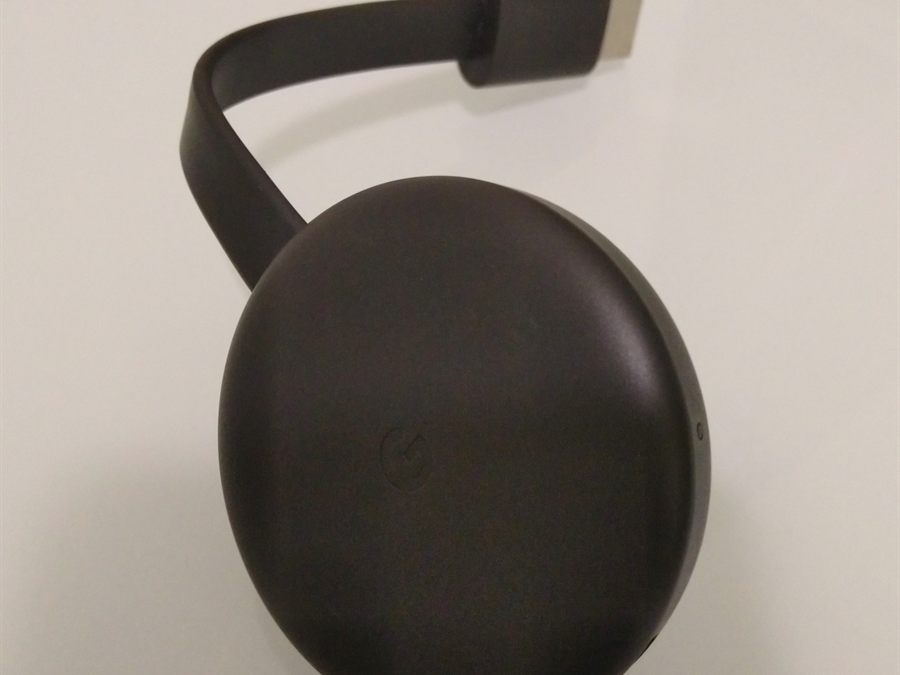
Chromecast 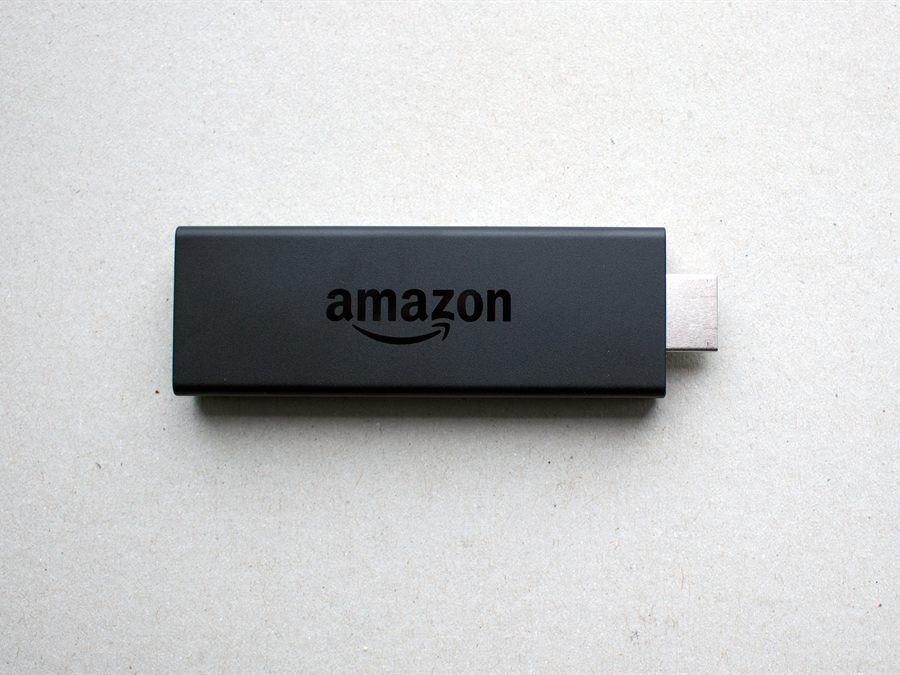
Fire Stick 
Laptop
The offsite, start to last toast
01
Name the event
Sign in with Google. Call it the offsite. Pick Networking for the starter toasts. About a minute.
02
Open it on a screen
Open ToastWall on a screen. Set the QR where people will see it. Then the icebreaker has somewhere to land.
03
Close and keep
They scan, they send a photo or a short video, it shows. Mark Event over. Download the album. Send it Monday if you want to.
Name it before they pick up a badge.
A minute with Google. A screen. A QR. Then you are in it.