For celebrations
Every phone is already out. Give those photos and videos a screen.
You chose the flowers. You chose the song. Guests are already shooting photos and videos of each other. One QR puts those moments on a screen while the day is still happening.
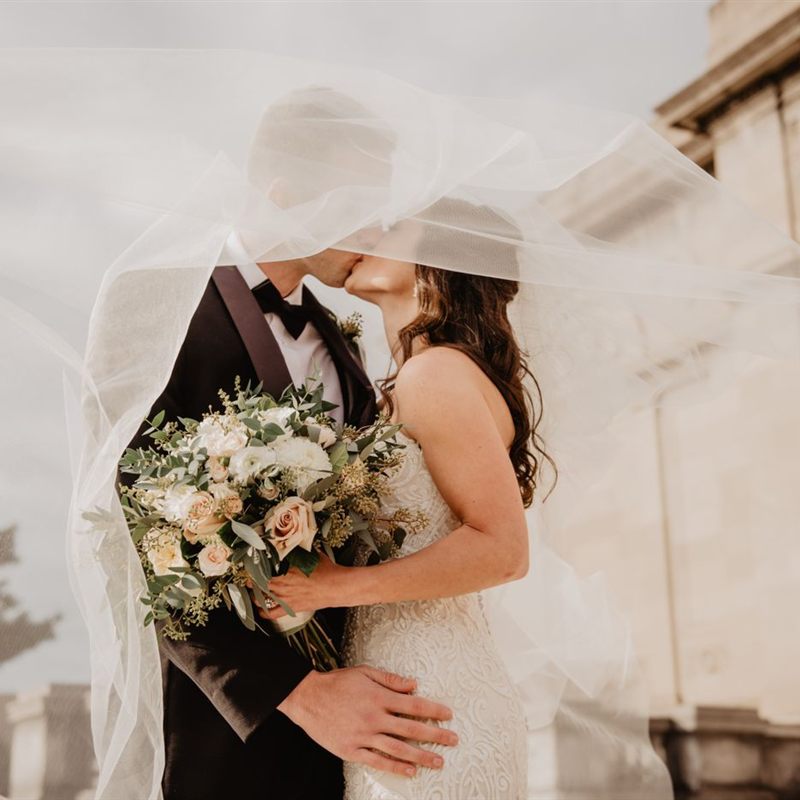
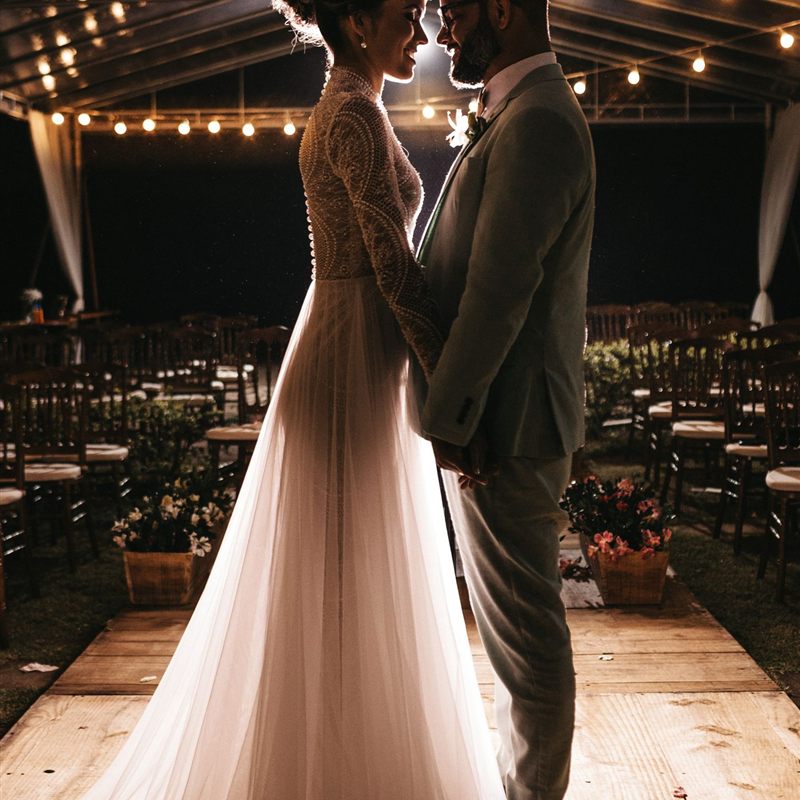
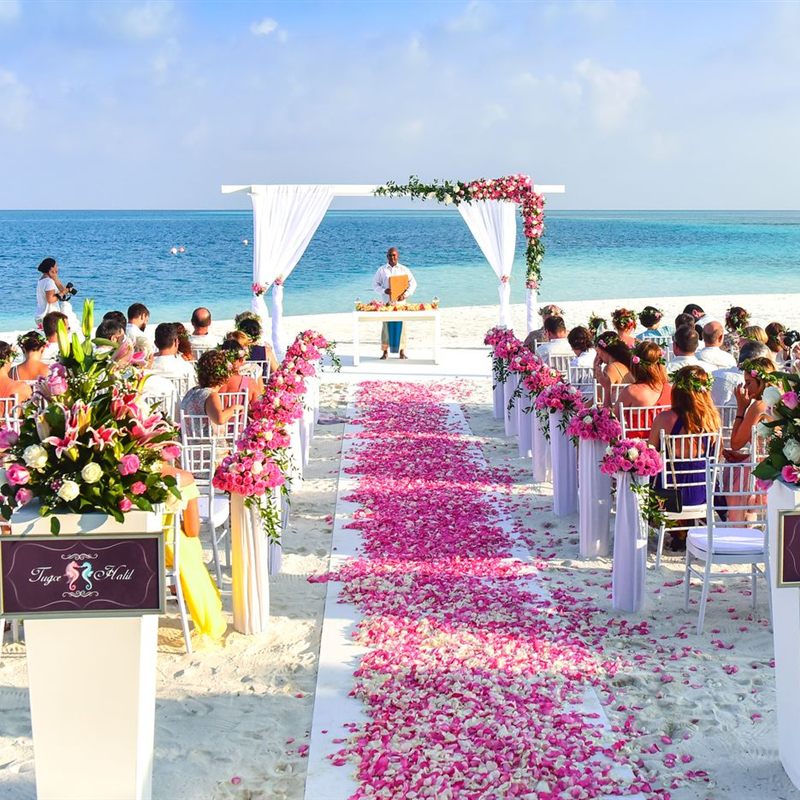
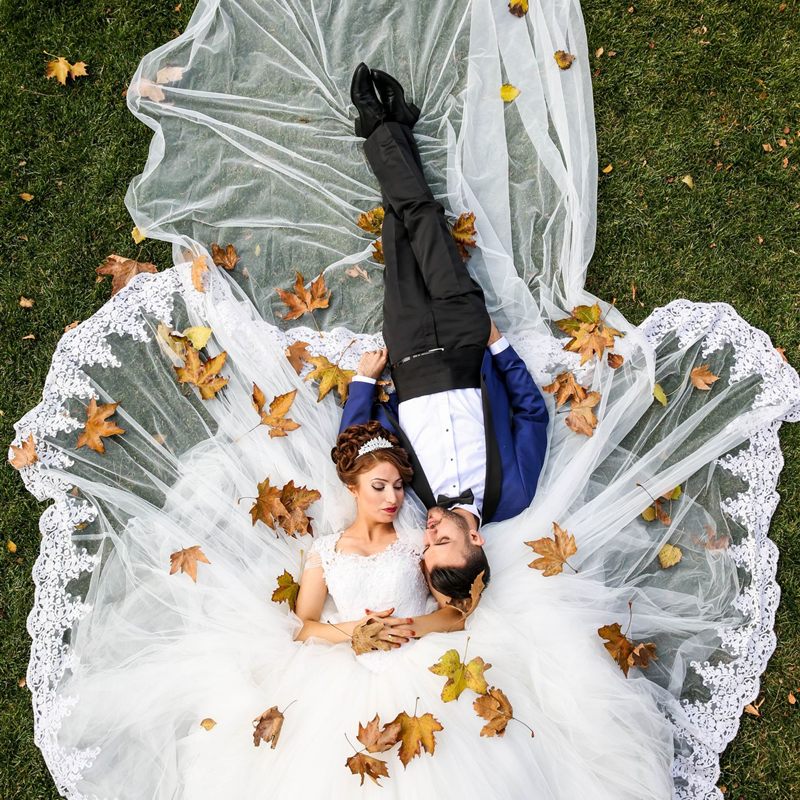
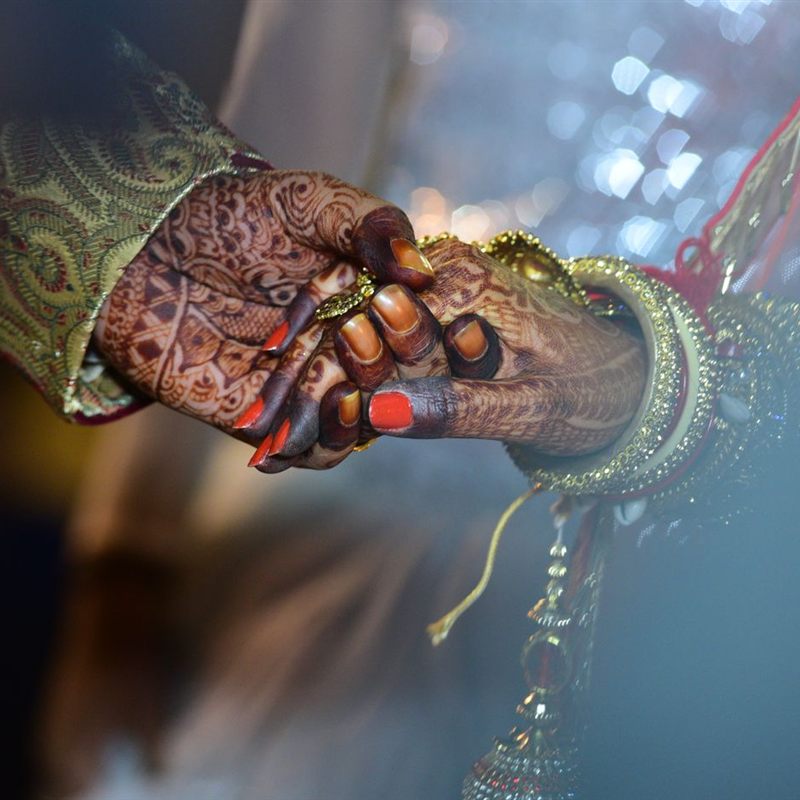
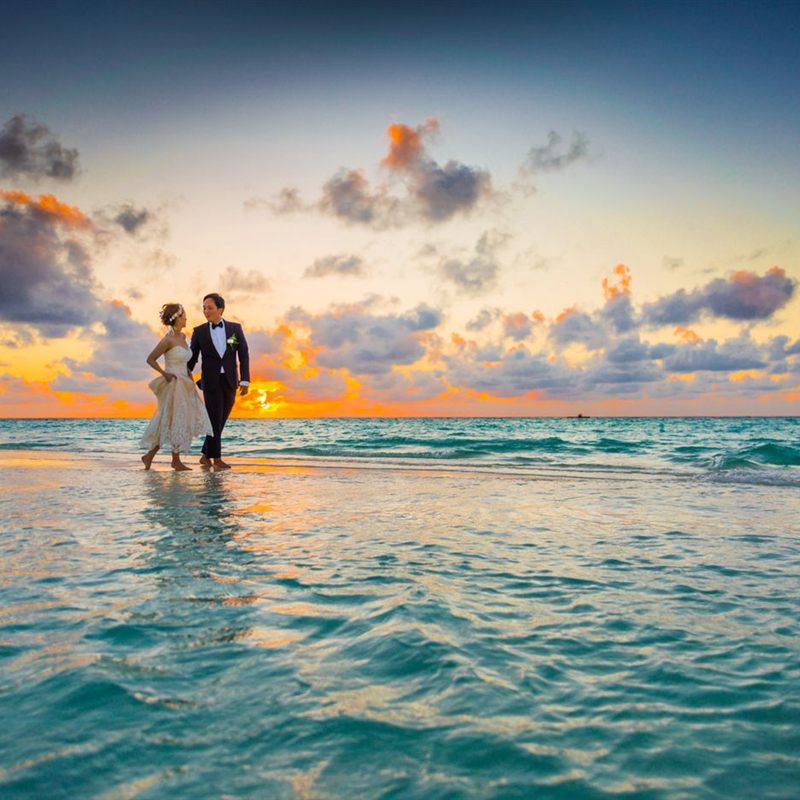
Live
Photos: Pexels and Unsplash.
For the day you have been waiting for
A wedding, a shower, a first birthday, an anniversary. This is for the one you are throwing.
Wedding 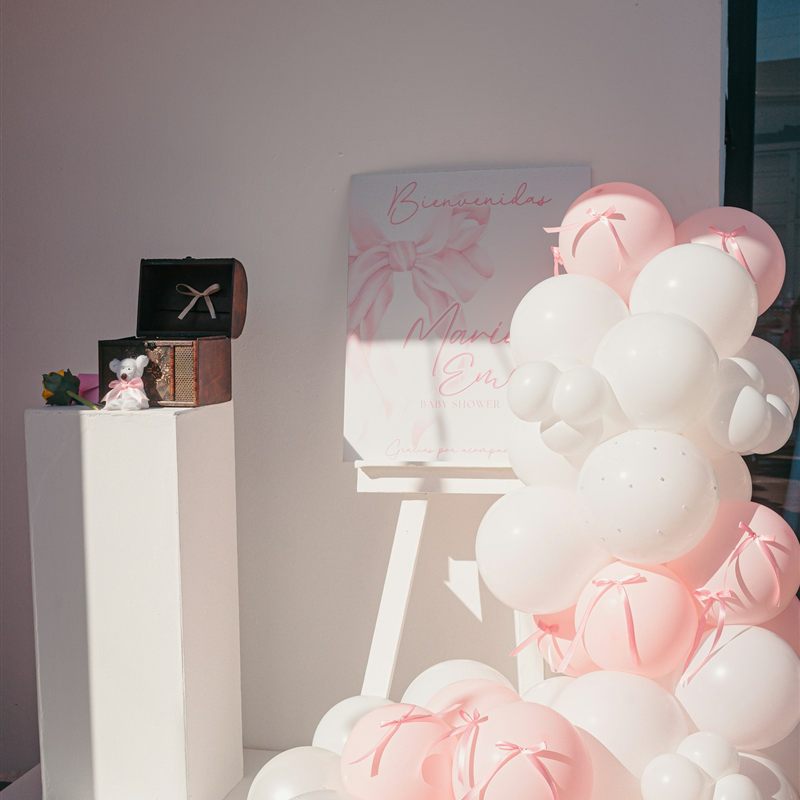
Baby shower 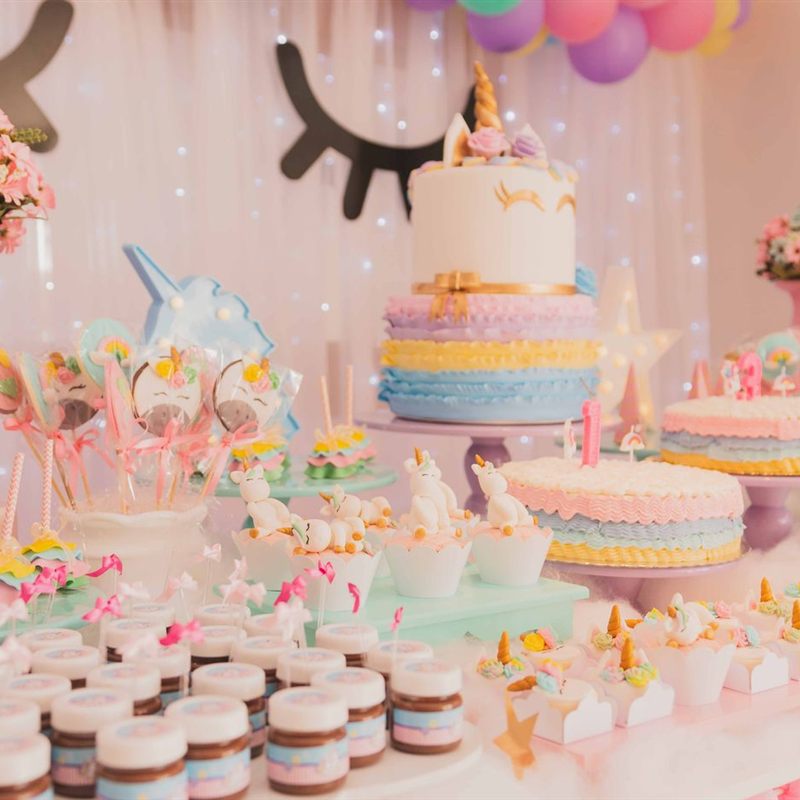
First birthday 
25th anniversary
See it together, live
Someone takes a photo. Someone shoots a short video. Seconds later it is on the screen. People look up, laugh at a moment they were just in, and stay in the day. Not tomorrow in a thread. Now.
What stays with you
The photos and videos, together
They scan a QR. No app. Photos and short videos land on the wall, then in an album you download when the day is done. The whole celebration, in one place.
The laugh that goes around
A new photo or a short video goes up. Someone cheers. Someone cries. Someone pulls a cousin closer. The joy stays with the people, together.
For the ones who could not come
Thank-you notes. Your sister who missed the flight. Send the album Monday, or whenever you are ready.
You stay in control
This is your day. You decide what goes up, what stays in the album, and who sees it later.
Approve first, or let it through
Optional. New photos and videos wait until you approve them, or they hit the wall as they come. Change it anytime in Settings.
Hide anything
Pull a shot off the wall and out of the album. Restore it if you change your mind. You can hide everything from one guest.
Download when you are ready
After you mark Event over, save the album ZIP. Keep it. Post what you want.
Share the album only if you want
The guest QR is for the live event. The album has its own link. Send that when you want people to revisit. Don't send it, and the album stays with you.
What you need
If it opens a website, it can hold the day.
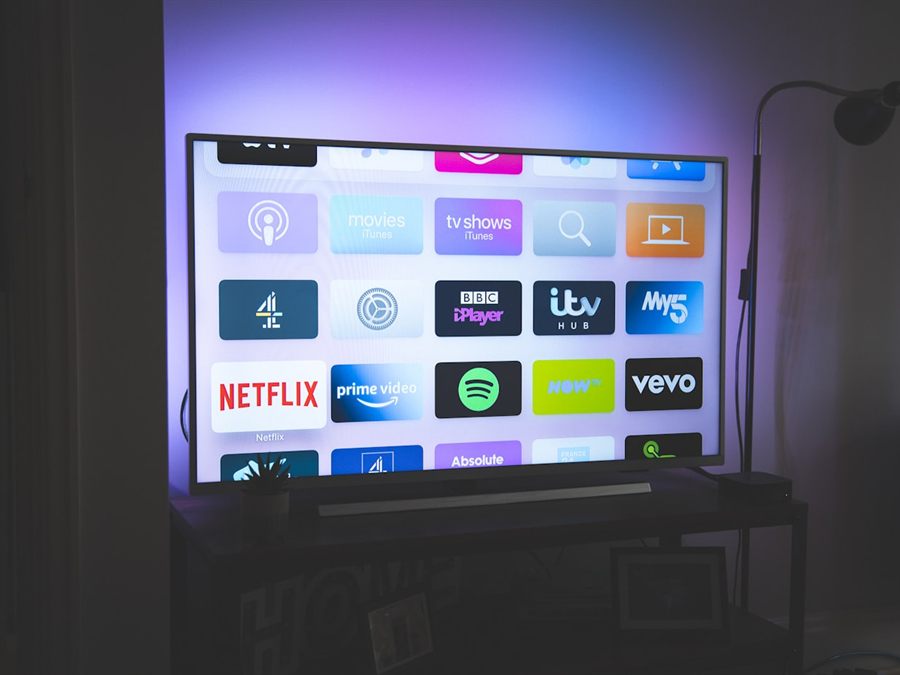
Smart TV 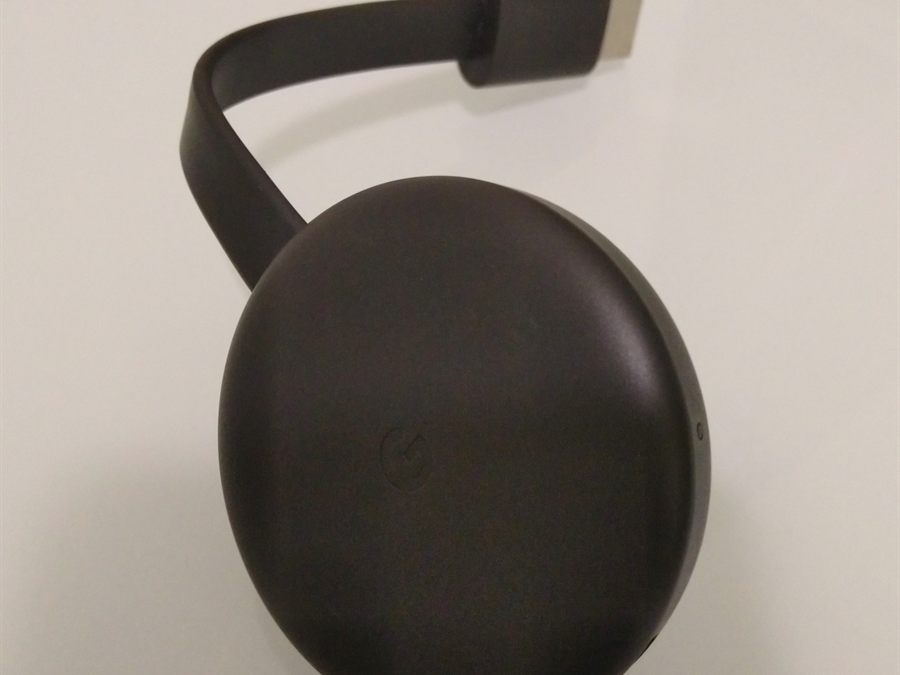
Chromecast 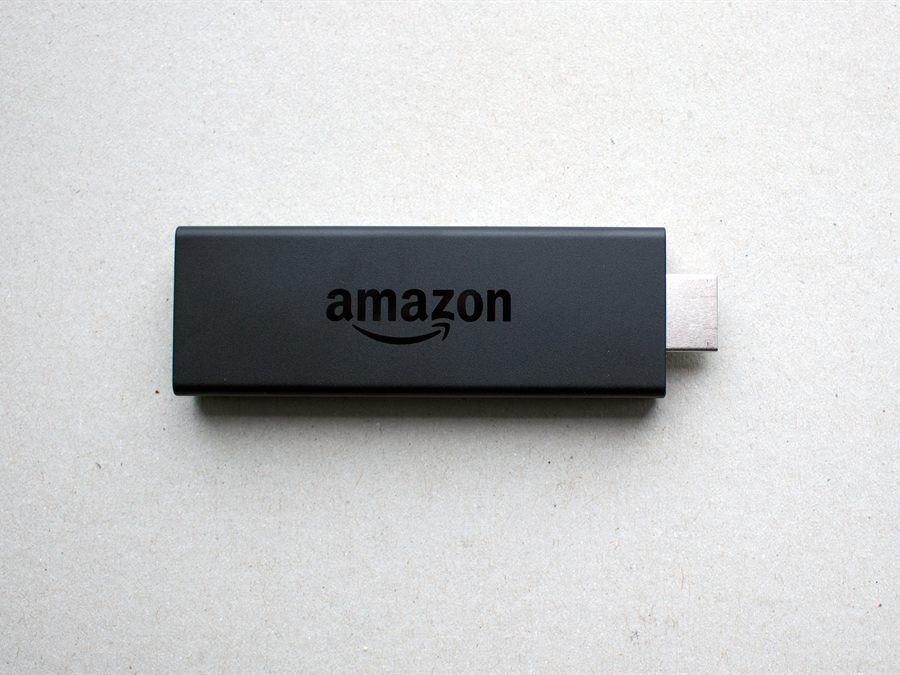
Fire Stick 
Laptop
The wedding, start to last dance
01
Name the day
Sign in with Google. Call it the wedding. About a minute.
02
Watch them appear
Open ToastWall on a screen, indoors or out. Set the QR where people will see it. Then watch the people you love appear.
03
Take it home
They scan, they send a photo or a short video, it shows. Mark Event over. Download the album. Send it Monday if you want to.
Name it before the first guest arrives.
A minute with Google. A screen. A QR where people will see it. Then you are in the day.